The Risks of Public Wi-Fi for Business Travellers
Working remotely is easier than ever. Whether you're answering emails in an airport lounge, joining a video call from a hotel or catching up on work in a café, there’s no two ways about it, public Wi-Fi is convenient. It's often free, available and saves using your mobile data allowance

However, convenience doesn't always mean security. Public networks can expose businesses to risks, particularly when employees access company systems or handle confidential information. Understanding public Wi-Fi security risks is particularly important for keeping your business protected while working on the move.
What Are the Security Risks of Using Public Wi-Fi?
A concern with public Wi-Fi is that you don't always know who controls the network or who else is connected. Criminals can create convincing fake hotspots with names that look similar to legitimate hotel or café networks. Connect to the wrong one and you could be directed towards fraudulent websites.
Another threat is a Man-in-the-Middle attack, where someone attempts to interfere with communications between your device and an online service. Although HTTPS encryption protects modern websites, poorly configured services and unencrypted connections remain vulnerable.
Risks extend beyond connectivity too. Fake login pages may trick employees into sharing passwords, while compromised devices can put company data at risk. For businesses using cloud platforms, customer records and shared documents, a single mistake can be costly.
How Can Business Travellers Stay Safe on Public Wi-Fi?
Before connecting, check the official network name with the venue rather than assuming the strongest signal is genuine. Avoid networks that ask for unusual permissions or redirect you to suspicious login pages.
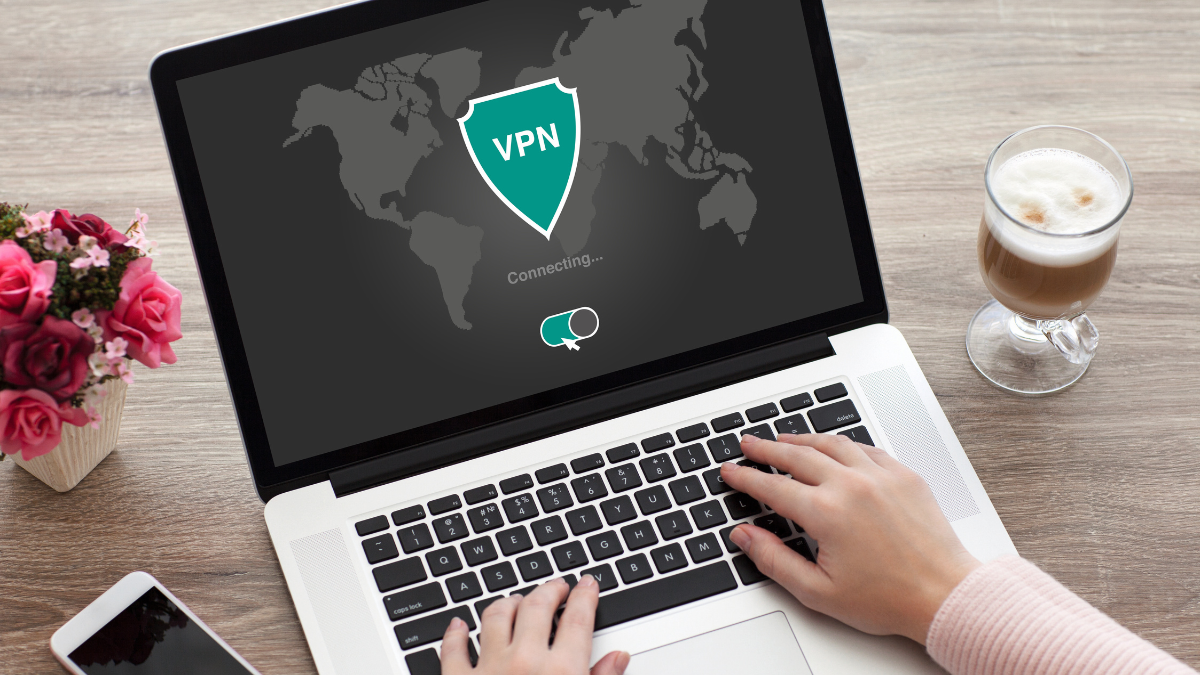
Keep laptops and smartphones updated, enable multi-factor authentication on business accounts and turn off automatic connections to unfamiliar Wi-Fi networks. Where your organisation provides a trusted VPN, use it in line with company policy, particularly when accessing internal systems.
It's also worth checking that websites use HTTPS, although the padlock alone doesn't guarantee a website is legitimate. You should always remain alert to unexpected password requests and phishing messages, even on networks that appear trustworthy.
For employers, clear guidance matters just as much as technology. Make sure staff know which connections are approved, how to report anything suspicious and what to do if they think an account has been compromised.
Why Mobile Data Can Be a Safer Alternative for Business Travellers
When you're travelling for work, using your phone's mobile data connection can often be a better choice than joining an unfamiliar public network. A personal hotspot lets you connect a laptop or tablet through your phone, without relying on Wi-Fi provided by a hotel, café or airport.
Mobile networks aren't completely risk-free, but they reduce exposure to some common public Wi-Fi threats. They can also offer a more straightforward connection when you're moving between locations or need to get online quickly.
At The One Solution, we help businesses find mobile solutions that suit the way their teams work. From suitable data allowances to connectivity for employees travelling regularly, the right business mobile package can make staying connected simpler and more reliable.
Final Thoughts
Public Wi-Fi has its place, and using it doesn't automatically mean your information is unsafe. The important thing is understanding the risks and making informed decisions about how you connect.
With sensible security habits, clear company policies and reliable mobile connectivity, employees can work confidently wherever they are. If you're reviewing how your team stays connected, at The One Solution we can help you explore your options. You can get in touch today via our contact form or call us on 0330 094 5545.